Actuator
Simulation using Gazebo Fortress
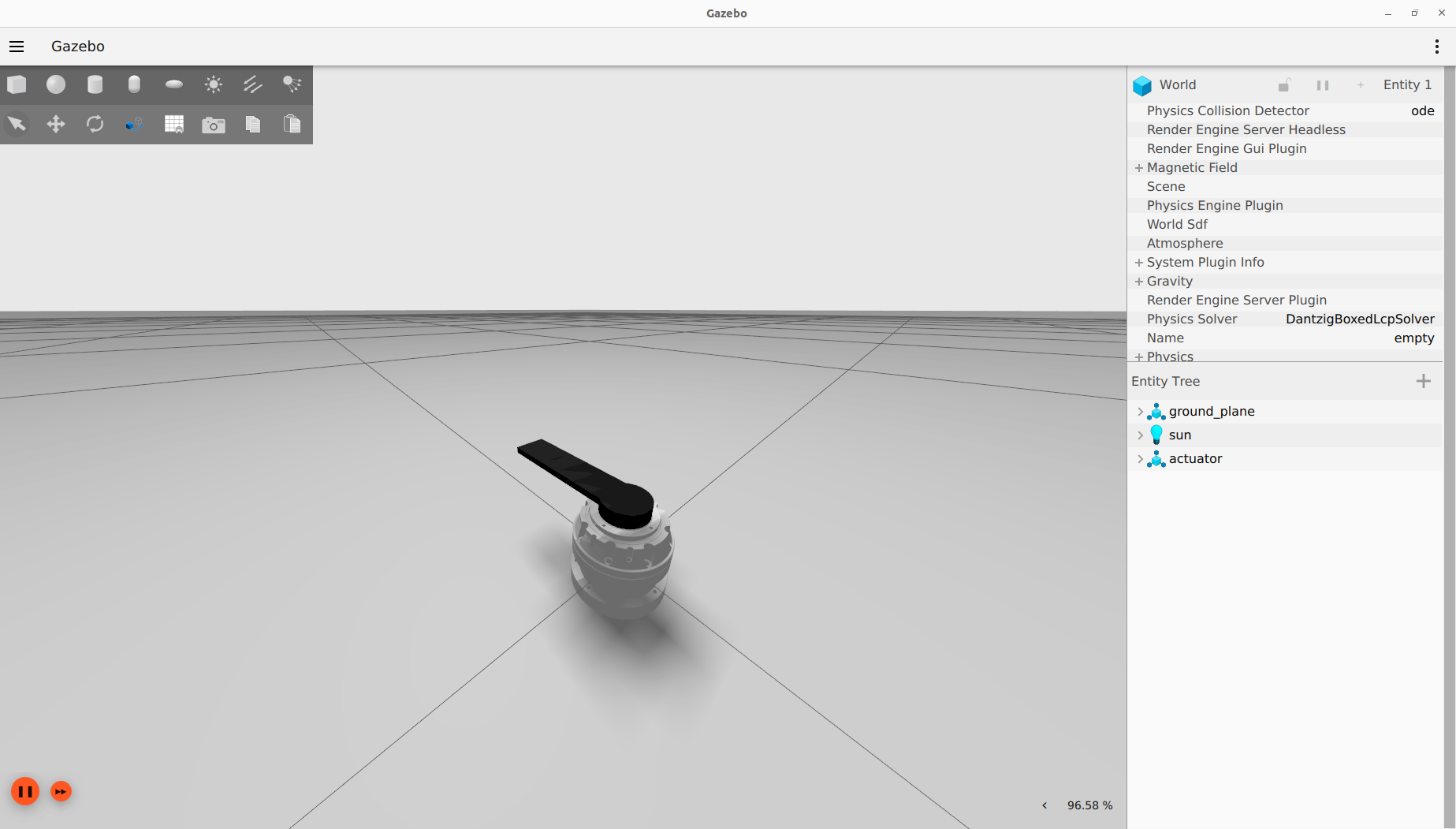
To launch the simulation in Gazebo, launch the simu_actuator.launch.py file from the ros2_control_actuator package.
ros2 launch ros2_control_actuator simu_actuator.launch.py
This script launches RViz, Gazebo, the robot controller, and all necessary files to send commands to the controller.
Tip
If you don’t want to launch RVIZ, add gui:=false when launching the simulation
To control the actuator, you can use the GUI
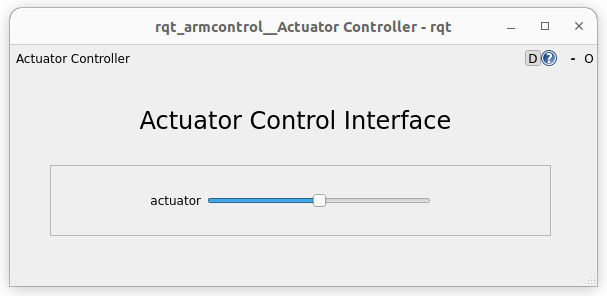
, or the RB and LB triggers of an xbox one controller.
Use an actuator with VESC
sudo ./setcan0_1M.sh
This script configures the can0 interface with a bitrate of 1 Mbps and sets the queue length to 100 packets.
Before lauching anything, go change the vesc_joints_can_ids parameter with the VESC can ids of your actuator. This parameter is in the config file actuator_vesc_hw.yaml of the ros2_control_explorer package.
Position control
In the container, launch the real_actuator.launch.py file from the ros2_control_actuator package to start the robot controller and RVIZ.
ros2 launch ros2_control_actuator real_actuator.launch.py can_port:='can0'
Tip
If you don’t want to launch RVIZ, add gui:=false when launching the simulation
To control the actuator, you can use the GUI
, or the RB and LB triggers of an xbox one controller.
Velocity control
In the container, launch the real_actuator.launch.py file from the ros2_control_actuator package to start the robot controller and RVIZ.
ros2 launch ros2_control_actuator real_actuator_velocity.launch.py can_port:='can0'
Tip
If you don’t want to launch RVIZ, add gui:=false when launching the simulation
Torque control
In the container, launch the real_actuator.launch.py file from the ros2_control_actuator package to start the robot controller and RVIZ.
ros2 launch ros2_control_actuator real_actuator_torque.launch.py can_port:='can0'
Tip
If you don’t want to launch RVIZ, add gui:=false when launching the simulation